 Call (844) NO-DISPUTES
What is a Merchant Statement?
For many business owners, that statement goes straight into a drawer or gets a quick glance before being filed away. That's a missed opportunity. Your merchant statement is one of the most important financial documents you receive, and learning how to read it can directly impact your bottom line.
This guide breaks down what a merchant statement is, what's inside it, and why it deserves more than a passing look each month.
What a Merchant Statement Actually Tells You
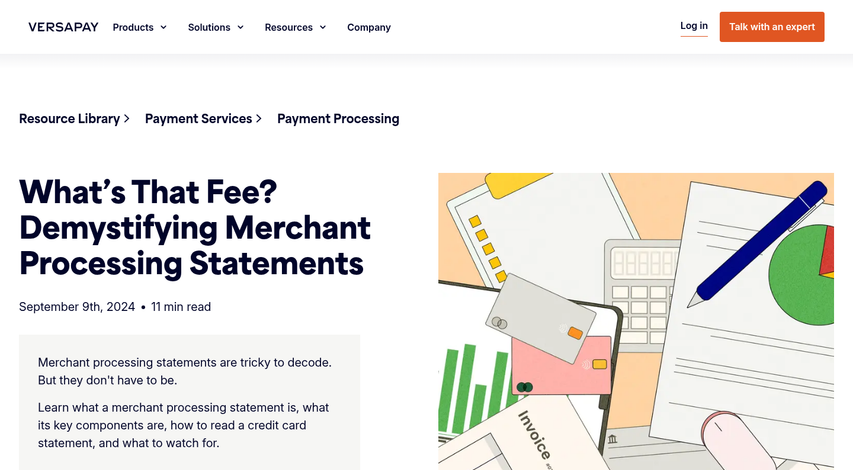
Your payment processor sends you a merchant statement every month, and it's basically a full record of your payment activity for that period - it shows how much money moved through your account, how many transactions you processed, and what the processor took out before depositing the rest into your bank.
At its core, the statement answers a few basic questions: how much customers paid in total, how much the processor kept in fees, and what you actually received.
The gross sales volume is the starting point - it's the full amount your customers paid before anything gets withheld. From there, the statement accounts for chargebacks and refunds, which cut back on your total. Then fees are applied, and what remains is your net deposit. That final number is what lands in your account.
Chargebacks get their own section on most statements because processors track them closely. A high chargeback rate can put your account at risk, so this part of the statement is worth attention even if your numbers look small. Understanding your chargeback win rate can help you put those figures in context.
The statement can be your main tool to see what you are paying to accept card payments and to check that those charges line up with your agreement. Processors are not necessarily wrong. But errors do happen, and the statement is how you find them. It's also worth knowing what chargeback fees look like so you can spot them quickly when reviewing charges.
Most business owners look at the net deposit and move on. That is understandable. But it means skipping past helpful information. The full statement tells you if your costs are creeping up, if your discount rate has shifted, and if anything looks out of place. Treating it as an active document instead of a filing formality puts you in a much better position to manage your payment costs over time.
The Key Line Items Found on a Merchant Statement
Most merchant statements carry the same core charges- even if the names and formatting look different from processor to processor. Getting familiar with these line items makes it much easier to read any statement you come across.
Interchange fees are the biggest chunk of what you pay. These go directly to the bank that issued your customer's card, and the card networks (Visa, Mastercard, etc.) set the rates. Your processor doesn't pocket this - they pass it through to the issuing bank.
Assessment fees are separate and go to the card networks themselves. They're small percentages on your total volume, and they're an absolute must. No processor can change them.
Processor markup is where your processor makes their money. It's the part that's negotiable, and it's worth learning about what you're paying here.
| Fee Type | What It Covers | Who Charges It |
|---|---|---|
| Interchange Fee | Cost of accepting a card payment | Issuing Bank |
| Assessment Fee | Network access and infrastructure | Card Network (Visa, MC, etc.) |
| Processor Markup | Processing service and profit margin | Your Processor |
| PCI Compliance Fee | Security standard maintenance | Your Processor |
| Chargeback Fee | Cost to handle a disputed transaction | Your Processor |
PCI compliance fees cover the cost of maintaining payment security standards. Most processors charge a monthly fee for this, and anything above $15 per month is worth questioning. An annual PCI fee above $99 is also a red flag that your processor may be overcharging.
Chargeback fees apply when a customer disputes a transaction. These can vary from $15 to $50 per dispute depending on your processor. It's worth knowing whether your processor will refund these fees if you win.
Monthly minimums are a floor that some processors set on processing fees. If your fees for the month fall below that minimum, you pay the difference to make it up.
How Pricing Models Change What You See on Your Statement
The fees on your statement don't appear in a vacuum. The pricing model your processor uses will shape what information you see and how easy it is to know what you're actually paying.
Flat-rate pricing is the simplest to read. You pay one fixed percentage on every transaction, and your statement reflects that with very little detail. That simplicity has a trade-off though - you can't see if you're overpaying on lower-cost card types, because everything gets lumped into the same rate.
Tiered pricing is harder to break down. Processors group transactions into categories like "qualified", "mid-qualified" and "non-qualified", and each tier carries a different rate. But processors choose what falls into each category, and those decisions aren't always visible on your statement. You're left with a total charge but no explanation of why transactions cost more.
Interchange-plus pricing is the most transparent of the three. Your statement shows the interchange rate charged by the card network, plus your processor's fixed markup on top. That separation makes it much easier to see where your money is going. Understanding your merchant discount rate can help you evaluate whether that markup is competitive.
| Pricing Model | Statement Clarity | Cost Visibility |
|---|---|---|
| Flat-Rate | Very simple | Low - no card-type breakdown |
| Tiered | Moderate but misleading | Low - tiers obscure true cost |
| Interchange-Plus | More complex to read | High - costs shown separately |
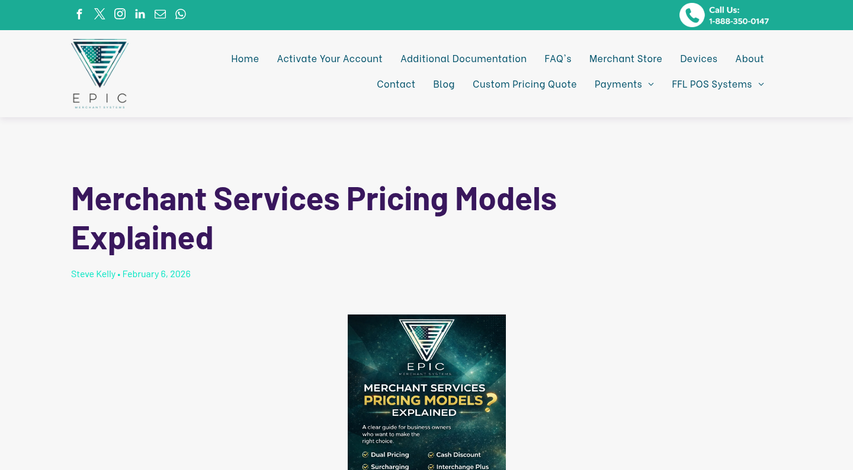
Interchange-plus tends to become cheaper as your volume grows, usually around $50,000 to $80,000 per month depending on the types of cards your customers use. The merchant category code assigned to your business can also influence which interchange rates apply to your transactions.
Take a close look at your statement to see if it gives you an overview or just hands you a number to pay.
How to Spot Overcharges and Hidden Fees
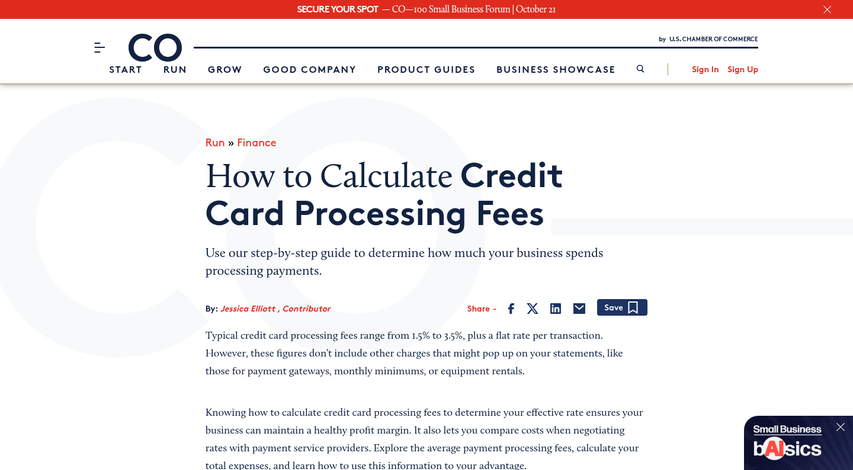
The most helpful thing you can do with your merchant statement is calculate your effective rate. Divide your total fees by your gross processing volume and multiply by 100. That single number tells you more than any single line item.
For retail and standard B2C businesses, an effective rate between 2.0% and 2.7% is a basic range. If you land above 2.5%, it's worth taking a look at what's driving that number up.
When you read through your statement, you'll see processors use basis points instead of percentages. One basis point is 0.01%, so 100 basis points equals 1%. A fee described as "25 basis points" just means 0.25%. Once you know this, the language can become quite a bit less confusing.
Fee creep is one of the more common problems merchants deal with. Processors can add or adjust fees between billing cycles, and these changes don't always have an announcement. A month-to-month, line-by-line comparison of your statements is the most direct way to catch these changes.
It's also worth learning about remediation fees from card network monitoring programs. Visa's VAMP program and Mastercard's CE3.0 introduced fees that apply when a merchant's chargeback activity exceeds set thresholds. These can run $10 to $50 per excess chargeback and show up as line items that are easy to miss if you don't know what they are.
If you see a fee you don't recognize, write it down and ask your processor to explain it in plain language. You're entitled to that explanation.
None of this is going to need an accounting background. A simple spreadsheet where you track your effective rate and total fees each month will put you in a much stronger position. You'll start to see what's normal for your business and notice faster when something changes.
What High-Risk Merchants See on Their Statements
Some merchants work with a fundamentally different fee structure from the start. If your business falls into a high-risk category like travel, dietary supplements, adult content, or subscription services, your statement will look noticeably different from a standard retail account.
Processing rates for high-risk merchants run between 1.5% and 3.5% per transaction, and sometimes higher depending on your industry and chargeback history; it's a wide range, and where you land can depend on how much risk your processor thinks your business carries.
Chargeback fees are another area where high-risk statements look different. While a standard merchant might pay $15-$25 per dispute, high-risk merchants see fees between $35 and $100 per chargeback. Processors charge more here because high-risk accounts generate more disputes and those disputes take more resources to manage.
The most notable thing you might see on a high-risk statement is a rolling reserve. Your processor holds back a percentage of your gross sales - usually 5% to 10% - and keeps it in a reserve account for a set period, usually 90 to 180 days. The money is yours. But the processor holds it as a buffer in case chargebacks or refunds come in after a transaction is processed.
Rolling reserves are not a penalty. They're a standard practice for accounts where the financial exposure is higher, and seeing one on your statement doesn't mean something is wrong.
That said, it's worth learning about what your agreement actually says about your reserve terms. If your processor is holding a bigger percentage than your contract specifies, or releasing funds later than agreed, that's worth a direct conversation with your account manager.
High-risk pricing is justified - but it still has limits, and your statement should always match what you signed up for.
Reading Your Statement Like a Pro
A good starting point is pulling the most recent statement and running a quick rate check: divide total fees by total card volume and multiply by one hundred. That one number alone can show if a current processing arrangement is competitive or quietly eroding margins.
No financial background is needed to read a merchant statement well - just the habit of looking. For most businesses, a few minutes of review each month is one of the simplest and most direct ways to protect the bottom line.
FAQs
What is a merchant statement?
A merchant statement is a monthly document from your payment processor showing total sales, fees deducted, chargebacks, and the net amount deposited into your bank account.
What fees appear on a merchant statement?
Common fees include interchange fees, assessment fees, processor markup, PCI compliance fees, chargeback fees, and monthly minimums. Each serves a different purpose and is charged by different parties.
How do I calculate my effective processing rate?
Divide your total fees by your gross processing volume, then multiply by 100. A rate above 2.5% for standard retail businesses is worth investigating further.
What is a rolling reserve on a merchant statement?
A rolling reserve is when a processor withholds 5-10% of your gross sales as a financial buffer, typically held for 90-180 days. It's common for high-risk merchant accounts.
Which pricing model offers the most statement transparency?
Interchange-plus pricing is the most transparent, as it separately shows the card network's interchange rate and your processor's markup, making it easier to see exactly what you're paying.